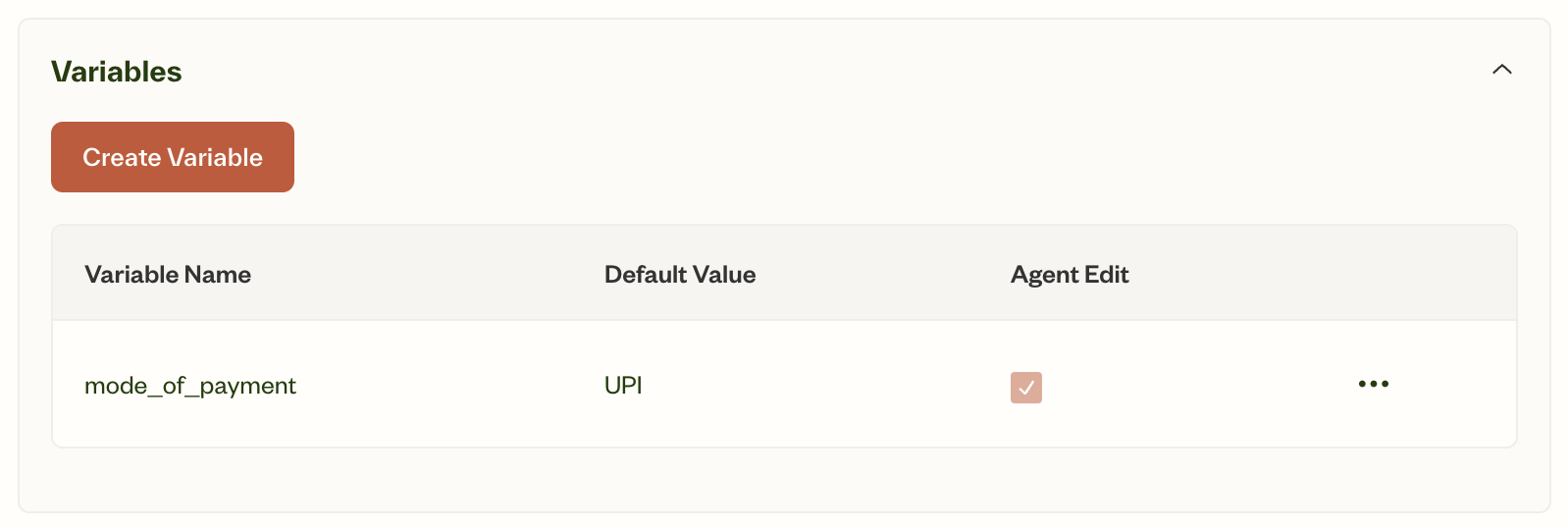
Variable name
Variable name
A unique, descriptive name for the variable.Format: Use
lower_snake_case (e.g., user_email, account_balance)Tips:- Make names descriptive and clear
- Avoid ambiguous or single-letter names
Default value
Default value
An optional initial value for the variable when the conversation begins.Example: For
preferred_contact_method, default could be “email”Agent updatable
Agent updatable
Controls whether the agent can modify the variable during conversation.When enabled:
- Agent can update value based on user input
- Example: User says “call me instead”, agent updates
preferred_contact_methodto “call”
- Value remains fixed after initial setting
- Example:
user_namemight be locked to ensure consistency
System variables are not agent-updatable.
1
Navigate to variables section
Go to the variables section in your agent configuration.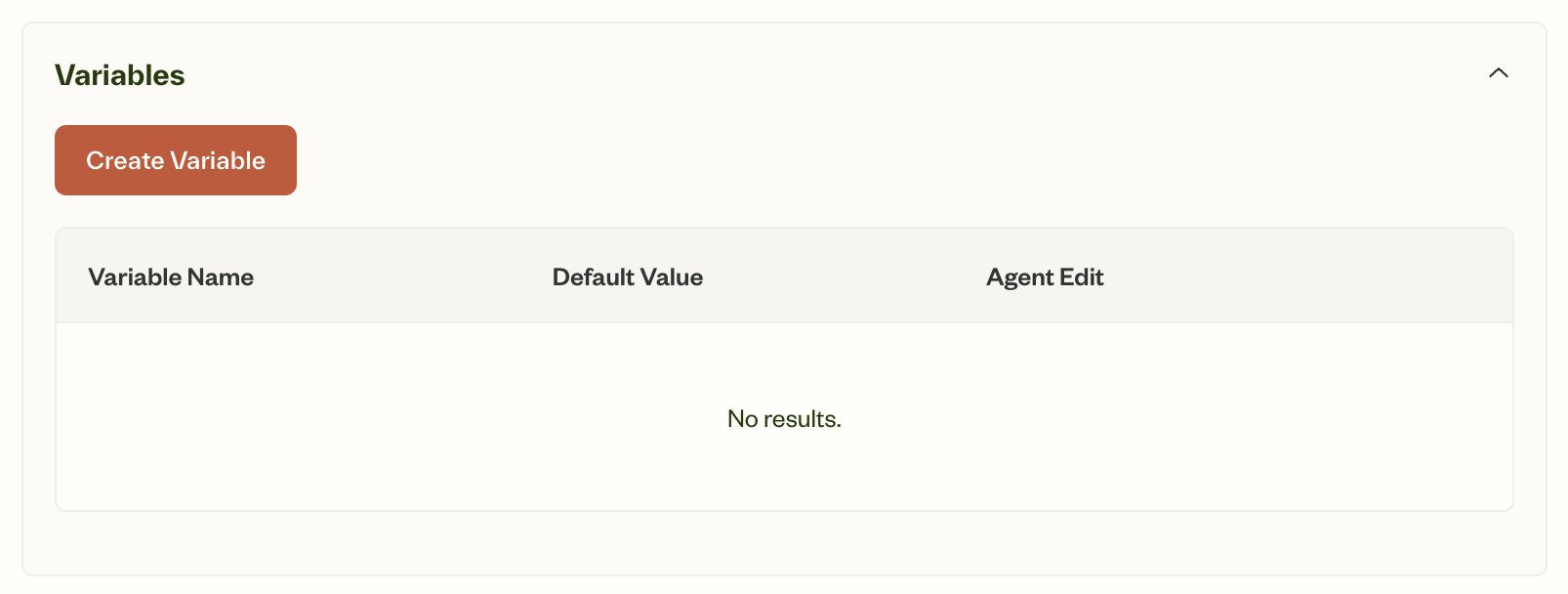
2
Configure variable properties
Set the variable name, default value, and whether it’s agent-updatable.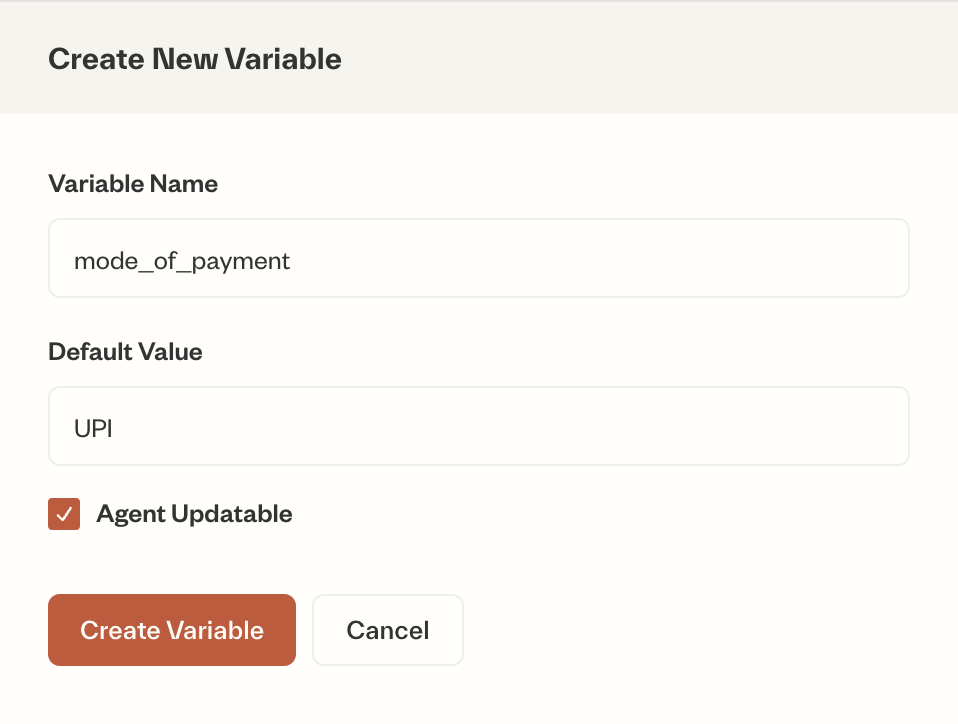
3
Save and verify
Save your configuration and verify the variable appears in the list.